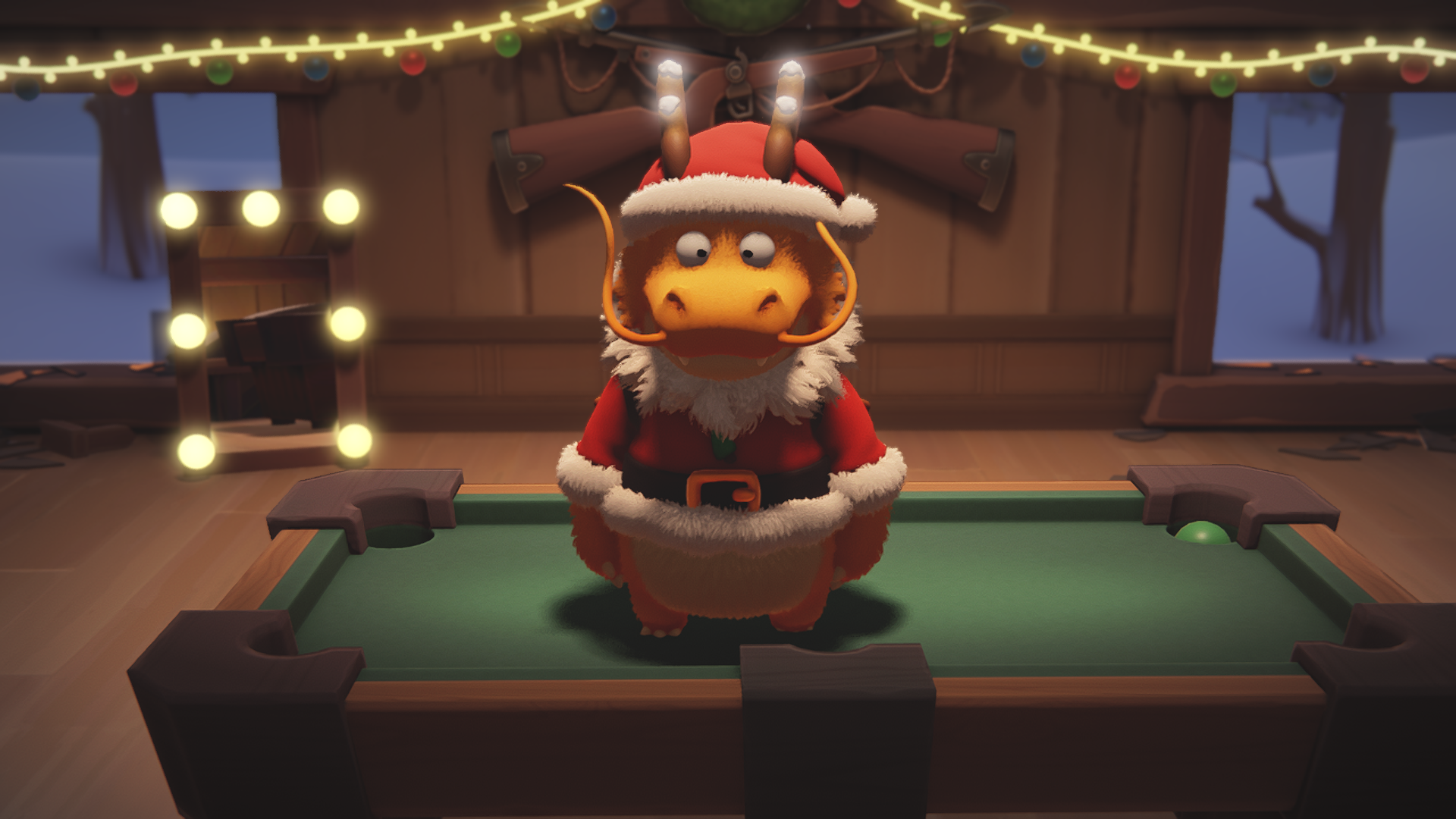
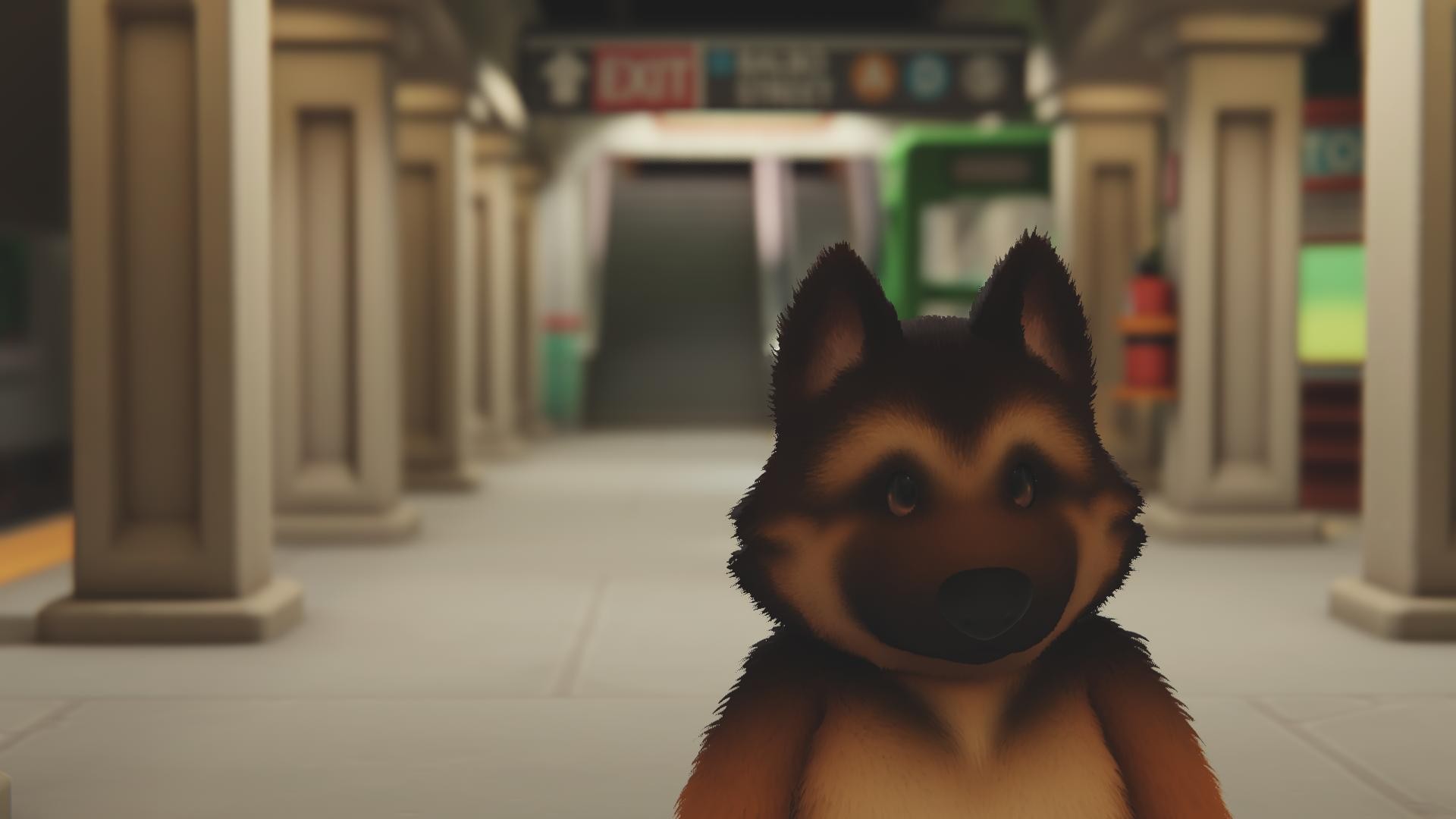
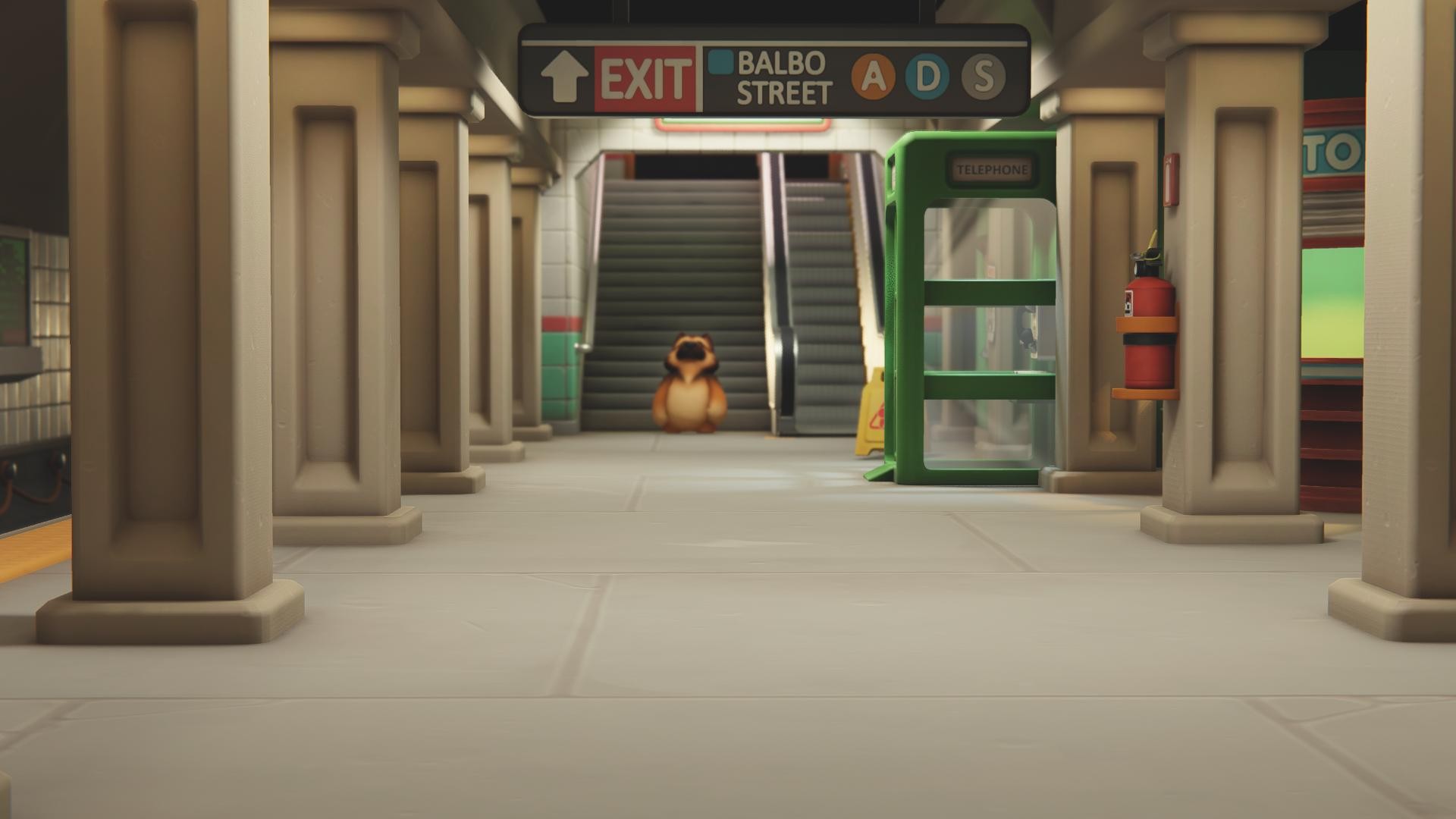
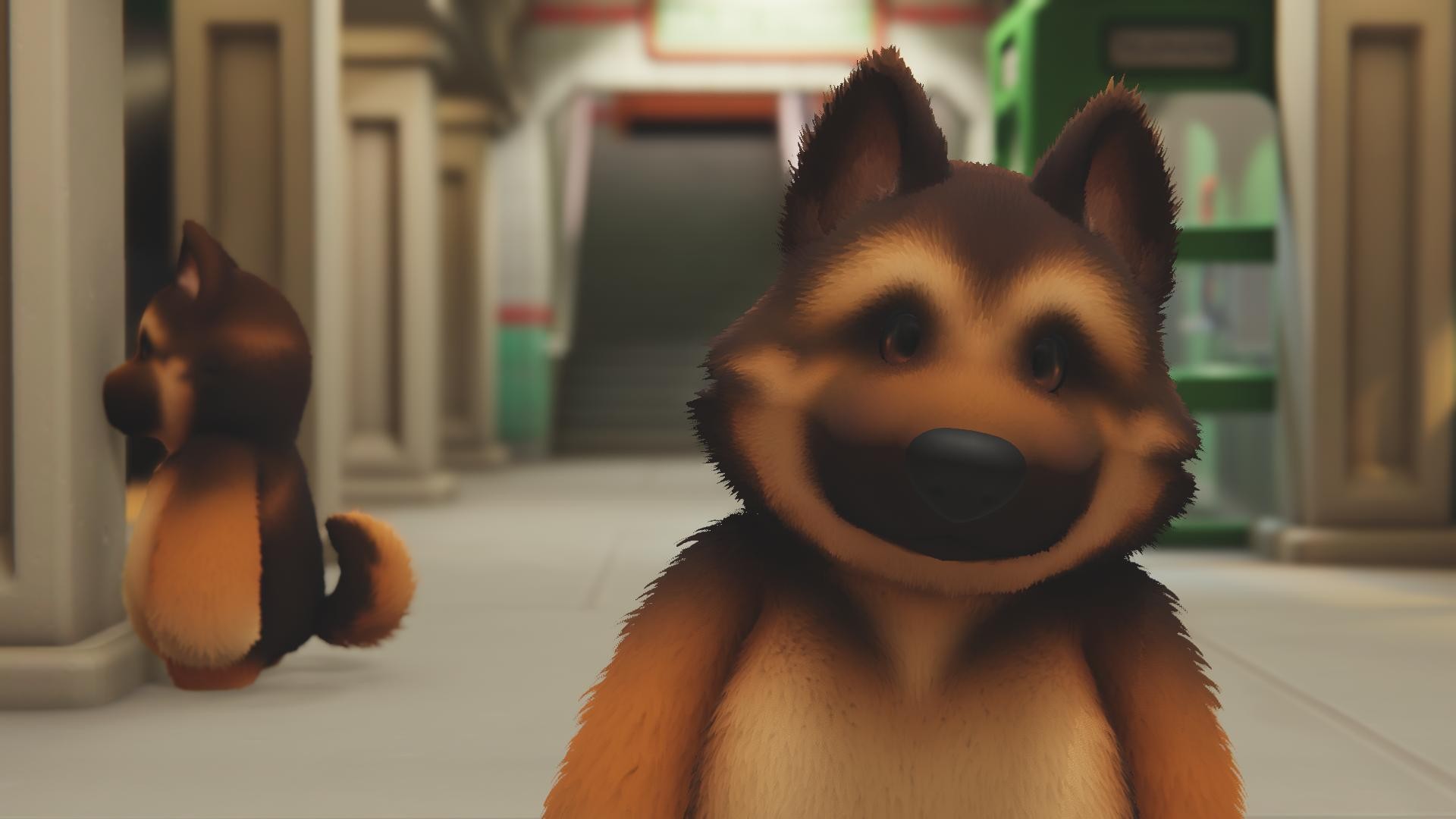
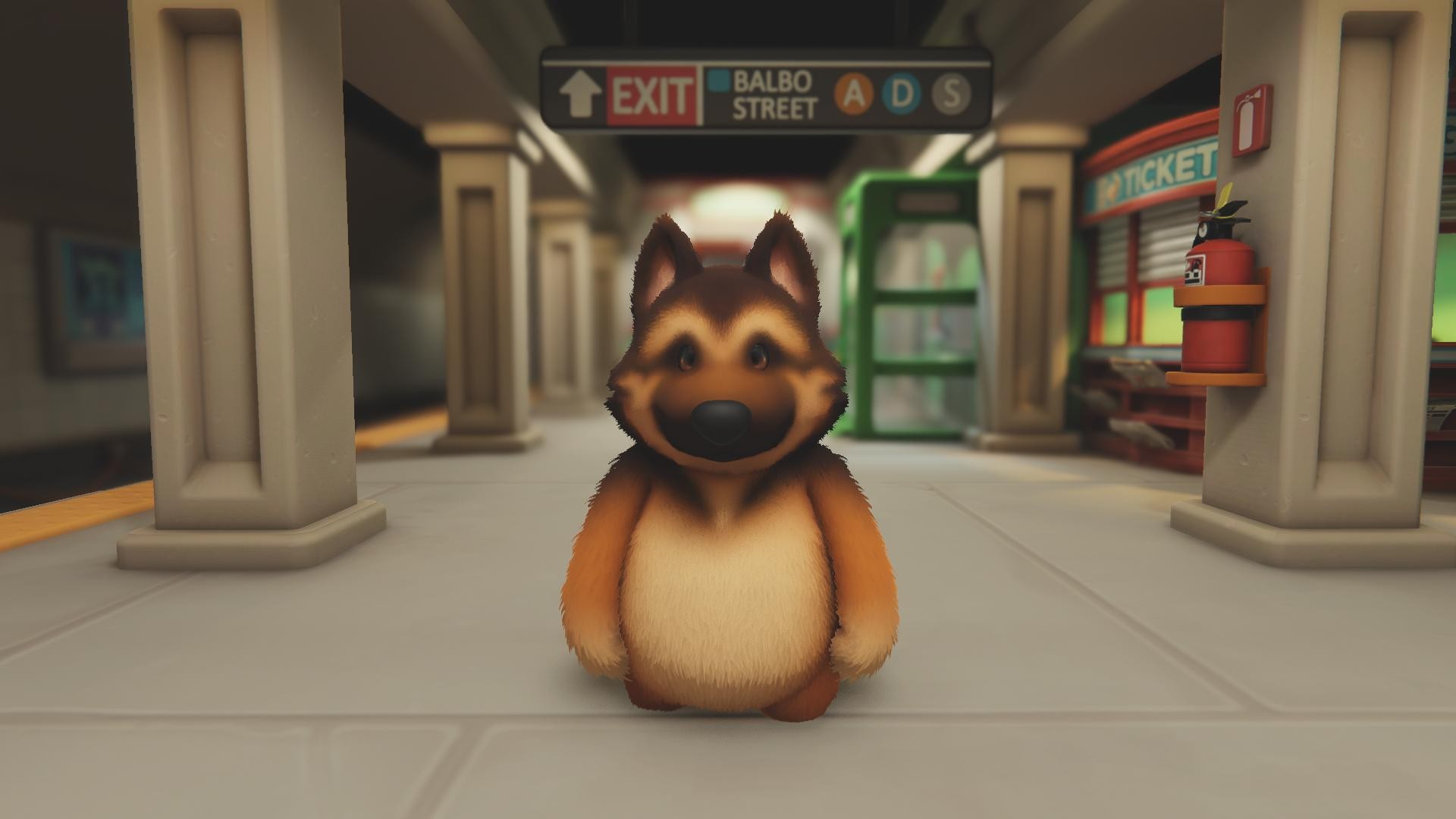
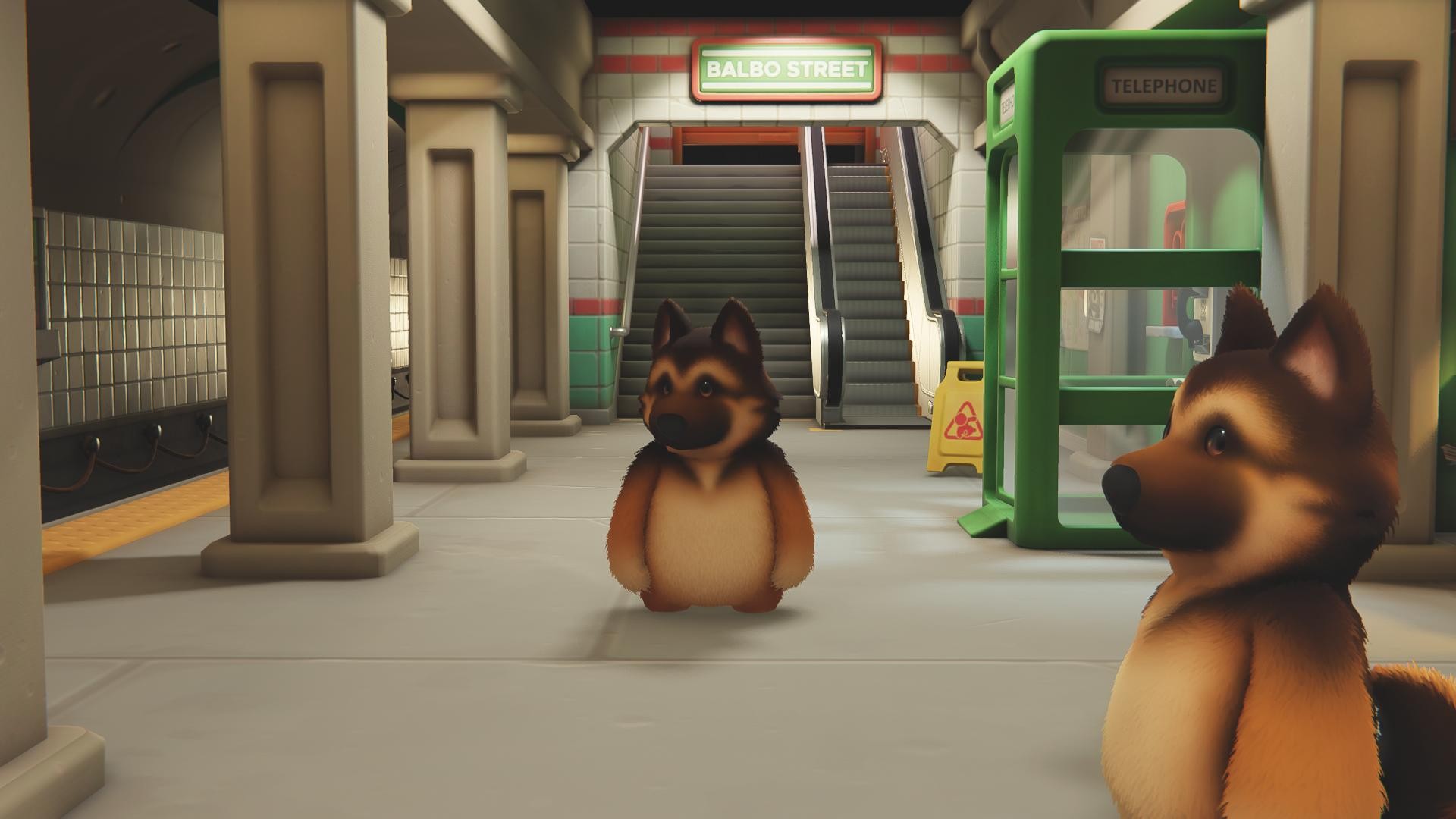
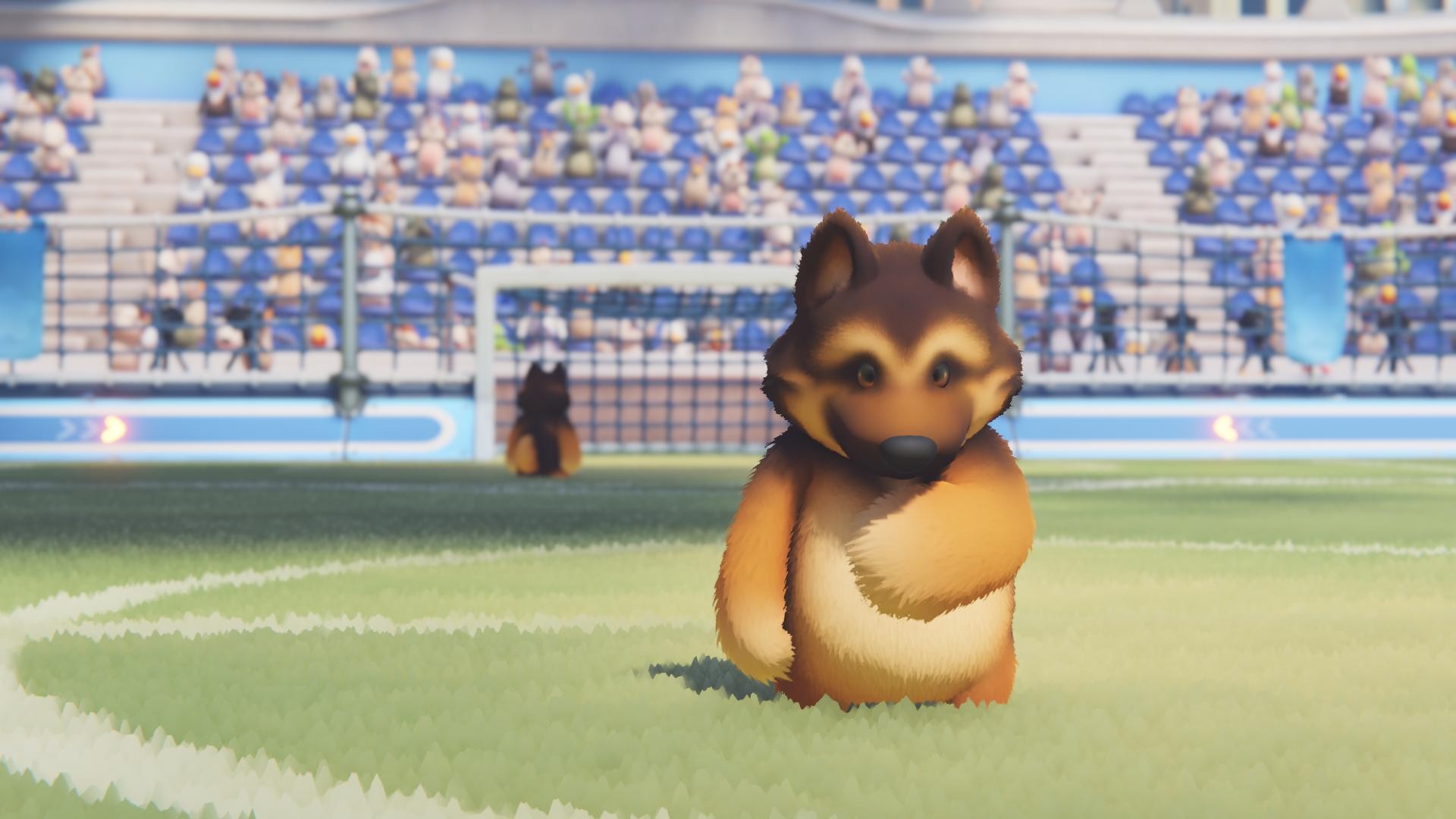
On Xbox, if you take photos with the in-game camera, they're saved to the game's album, not to the console's storage or a USB drive you've installed. In this case, it's best to save the photo using the share button on the controller. On PC, there's already a screenshot button; I don't know if there's anything for that on PS4 or 5.
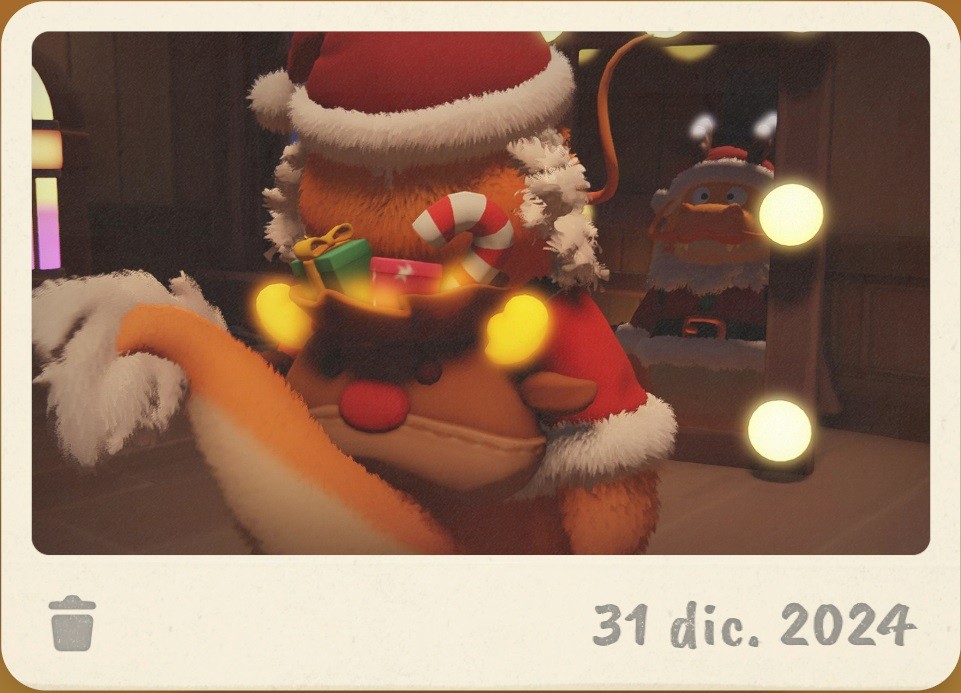
Photo in the game album
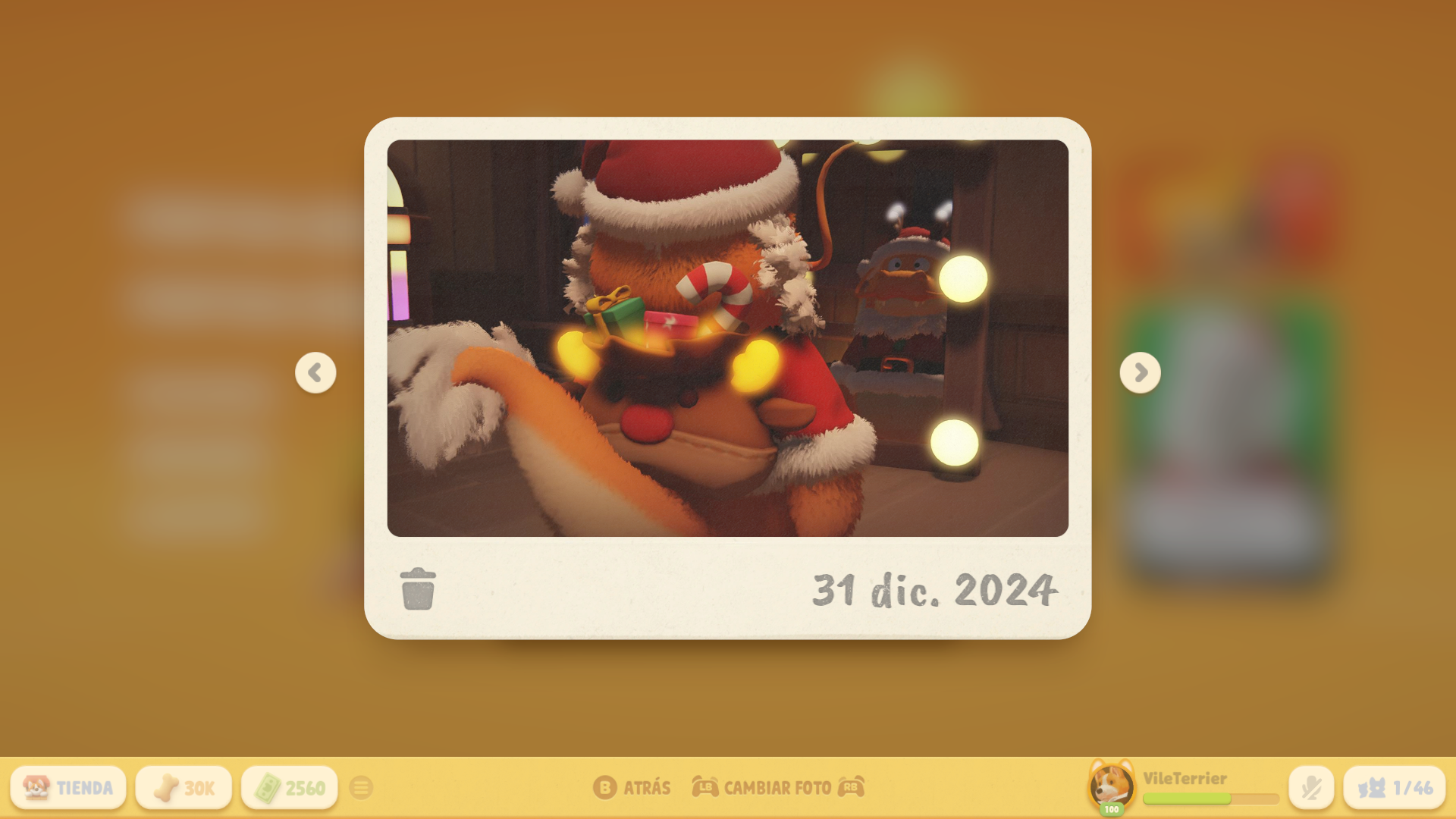
Photo from the game album cut out with paint
Screenshot
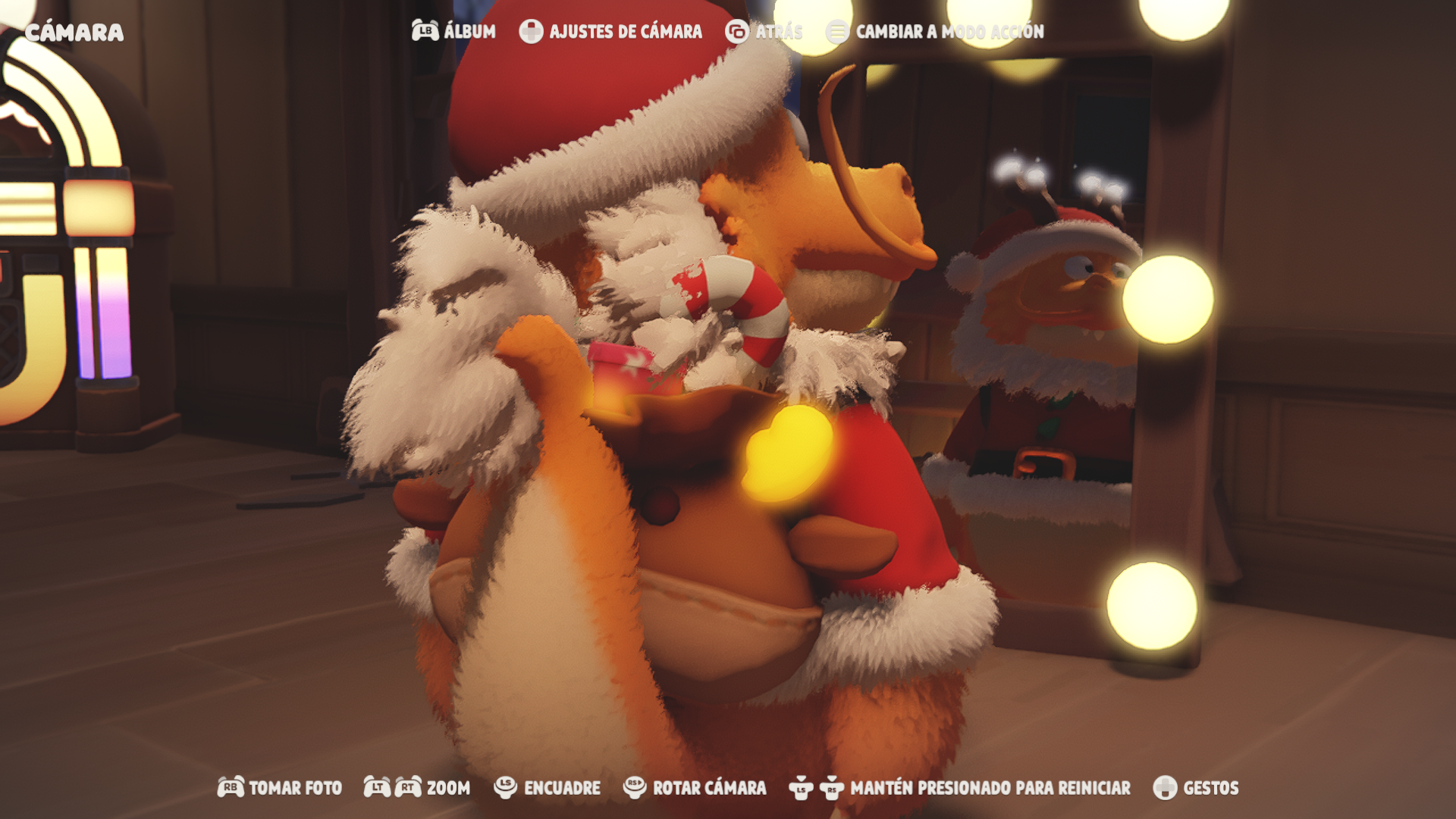
Screenshot without removing the camera interface
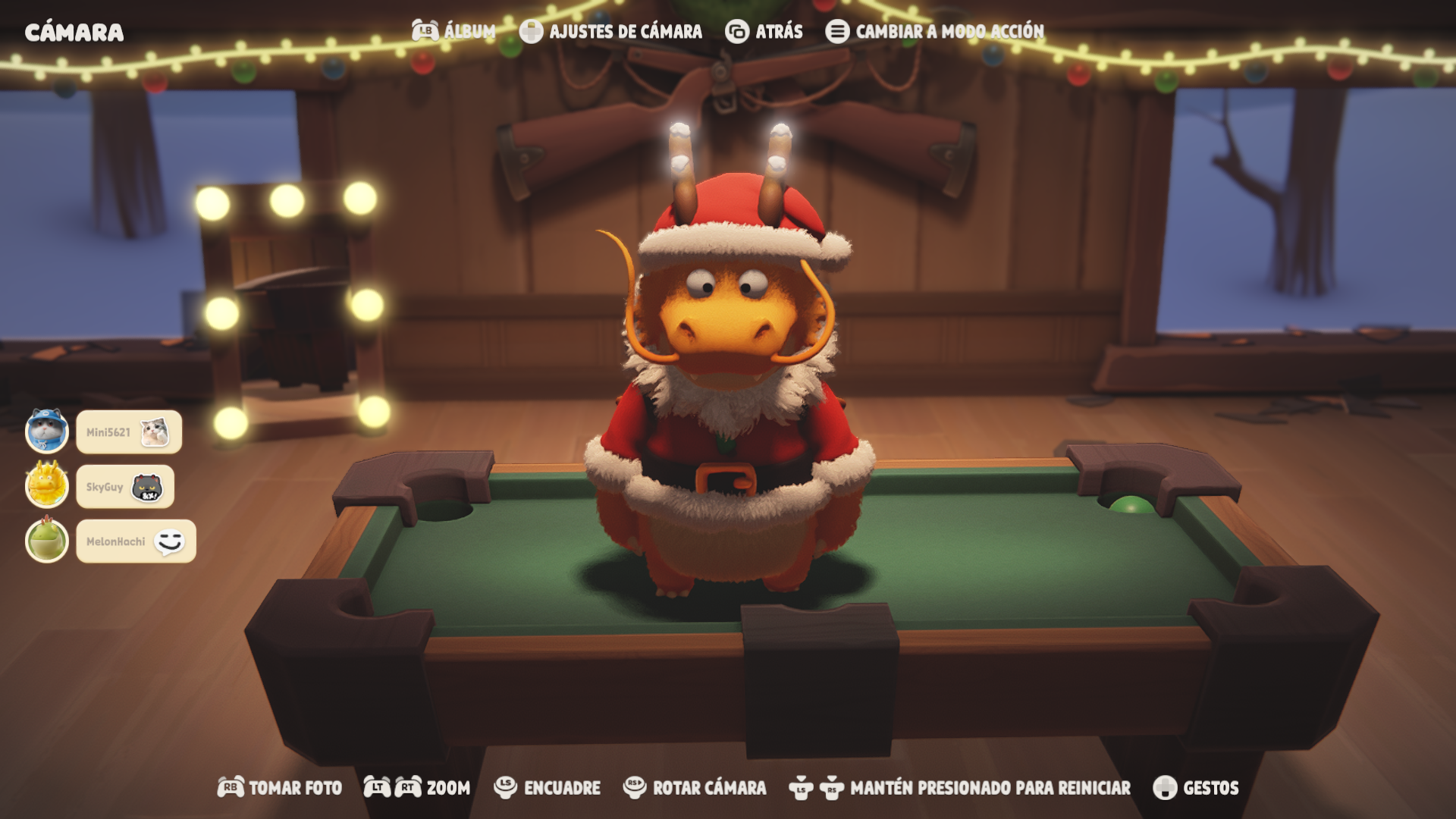
Screenshot removing the camera interface