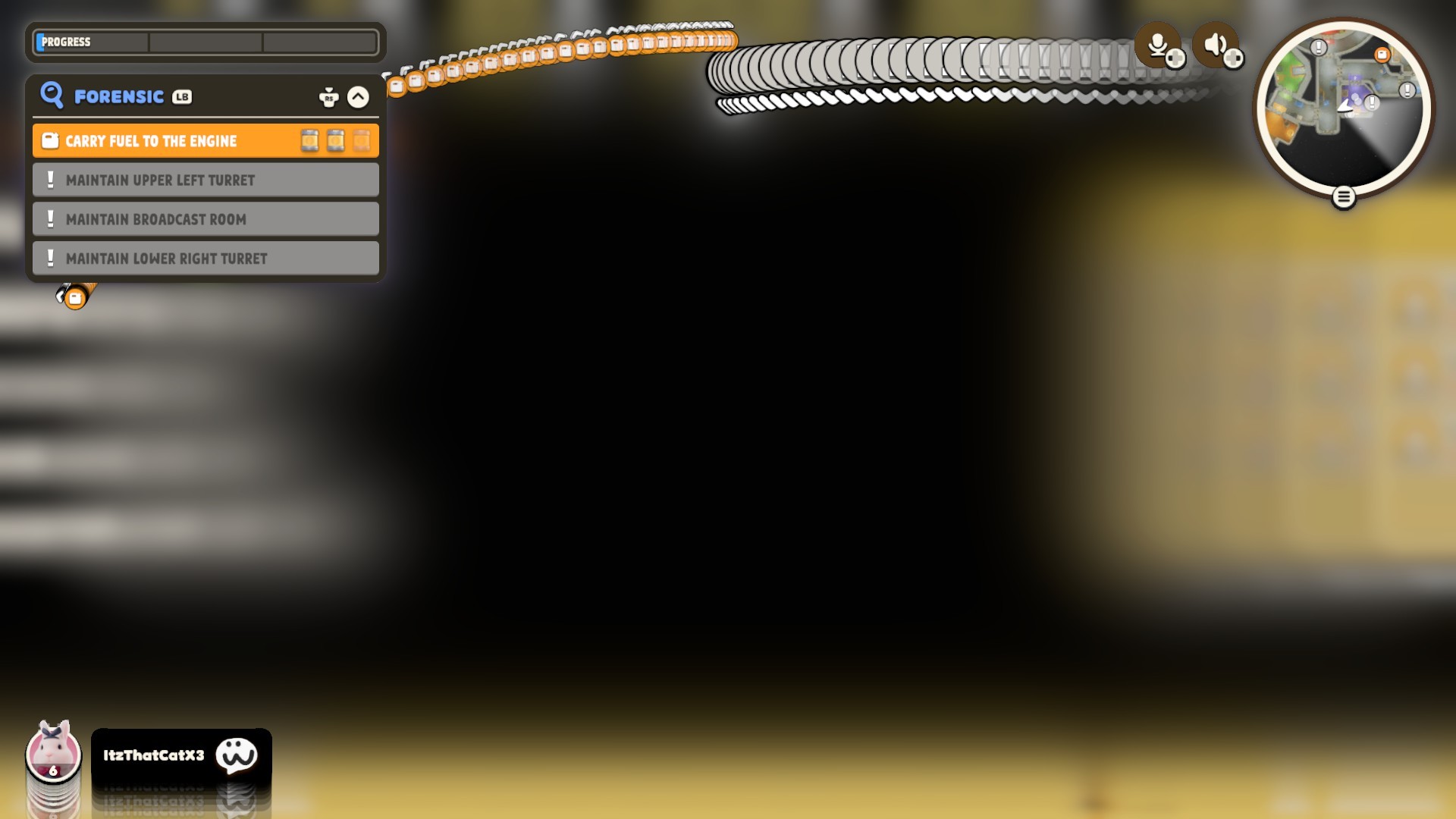
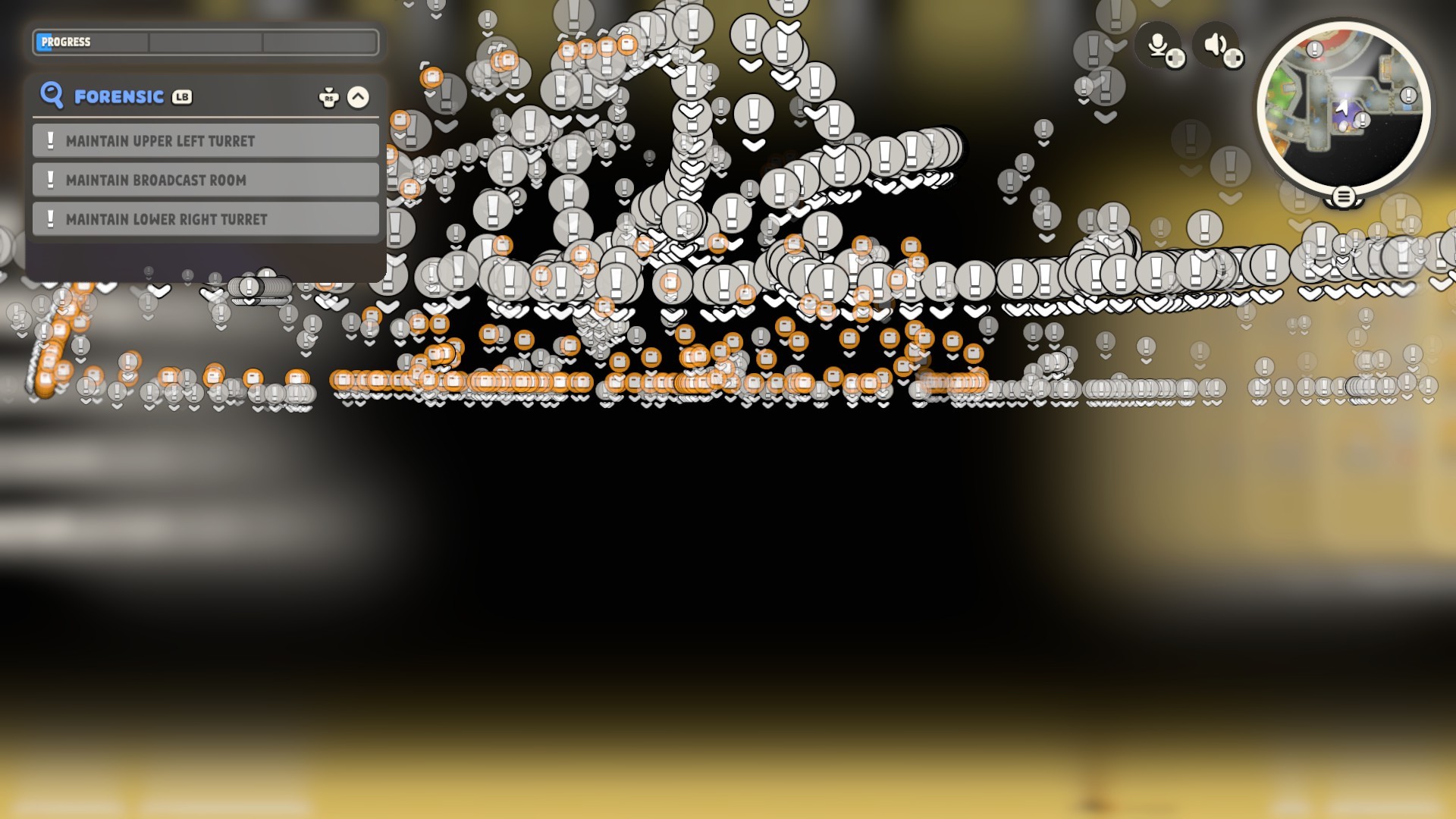
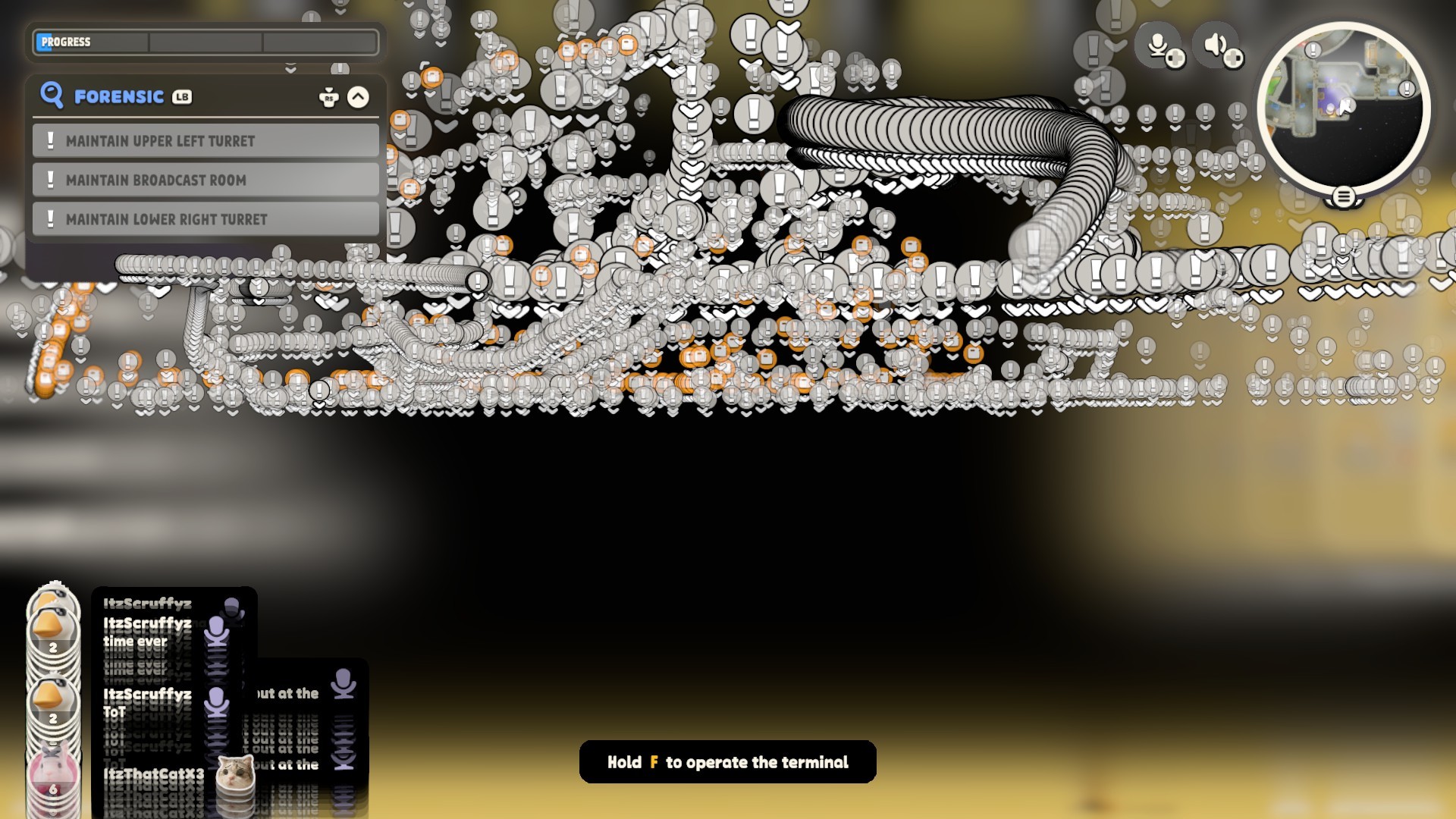
Hey there,
To assist us in investigating the issue further, could you please provide us with the following information:
- The exact time and date you encountered it, as well as your time zone.
- Your in-game ID.
Besides, please follow the steps below to fix it:
- Open “Geforce Experience”
- On the main page, click the “DRIVERS” tab. The program will automatically detect the latest version. If you already have the latest version, click on "Reinstall driver”
- Click on “Download”
- Once the download is completed, select the "Custom Installation” button
- In the pop-up window, check the box for "Perform a clean installation”, then click the "Install" button
- Click on “Close” after the installation
You may also follow the instructions provided in the article on our official website: https://support.partyanimals.com/article?id=348
If the issue persists, please verify the integrity of the game files.
-Please right-click Party Animals in the Steam library and open ''Properties''.
-Then click ''Verify the file integrity'' in ''Files installed'' and wait for it to finish.
-It will work after verifying.
Thanks for your support and patience.
ZoiDUX