Hey there, @Falos1209
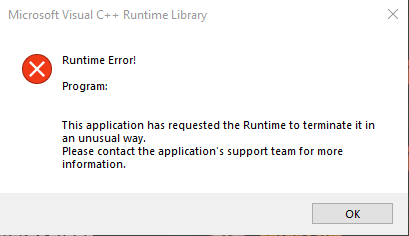
This error is usually caused by the absence of Runtime components of Visual C++.
Please try the following methods to fix it:
Method 1: Reinstall Microsoft Visual C++ Redistributables
- Press the Windows key + S, and select Control Panel from the list.
- Choose Uninstall a program under the Programs option.
- Locate Microsoft Visual C++ Redistributable, and double-click it to remove. Click the Yes button when prompted to complete the process.
- Download it from Microsoft’s website. Keep in mind that you’ll have to install all available Redistributables in order to fix this problem.
Method 2: Reinstall the Windows operating system.
Thank you for supporting Party Animals!